
Container basics
A container packages your PHP application with the exact PHP version, extensions, and web server it needs, so it runs the same on your laptop, in CI, and in production. This page covers the terms and commands you need before the installation guide.
Why run PHP in containers
- Same environment everywhere. Mac, Windows, Linux, and your servers all run the same image.
- Configuration lives in Git. Your
compose.ymlandDockerfiledescribe the whole stack. You review and roll back changes like code. - No host lock-in. Any host that runs containers can run your app.
- Scaling and rollbacks. To scale, start more containers from the image. To roll back, start the previous image.
Docker and these images are free and open source. You don't need a paid platform.
Terms you'll see
| Term | Meaning |
|---|---|
| Image | A read-only template for a container, such as serversideup/php:8.5-fpm-nginx. |
| Container | A running instance of an image. Many containers can run from one image, each with its own processes and files. |
| Tag | The part after the : that picks a version of an image. Our tags name the PHP version and variation: 8.5-fpm-nginx. |
| Registry | Where images are stored and pulled from. We publish to Docker Hub and GitHub Packages. |
| Volume | A directory from your machine, or one Docker manages, mounted into a container. Files in it outlive the container. |
| Port mapping | Forwards a port on your machine to a port in the container, such as 80:8080. |
| Environment variable | A setting passed to the container at startup. Our images read them to configure PHP and the web server. |
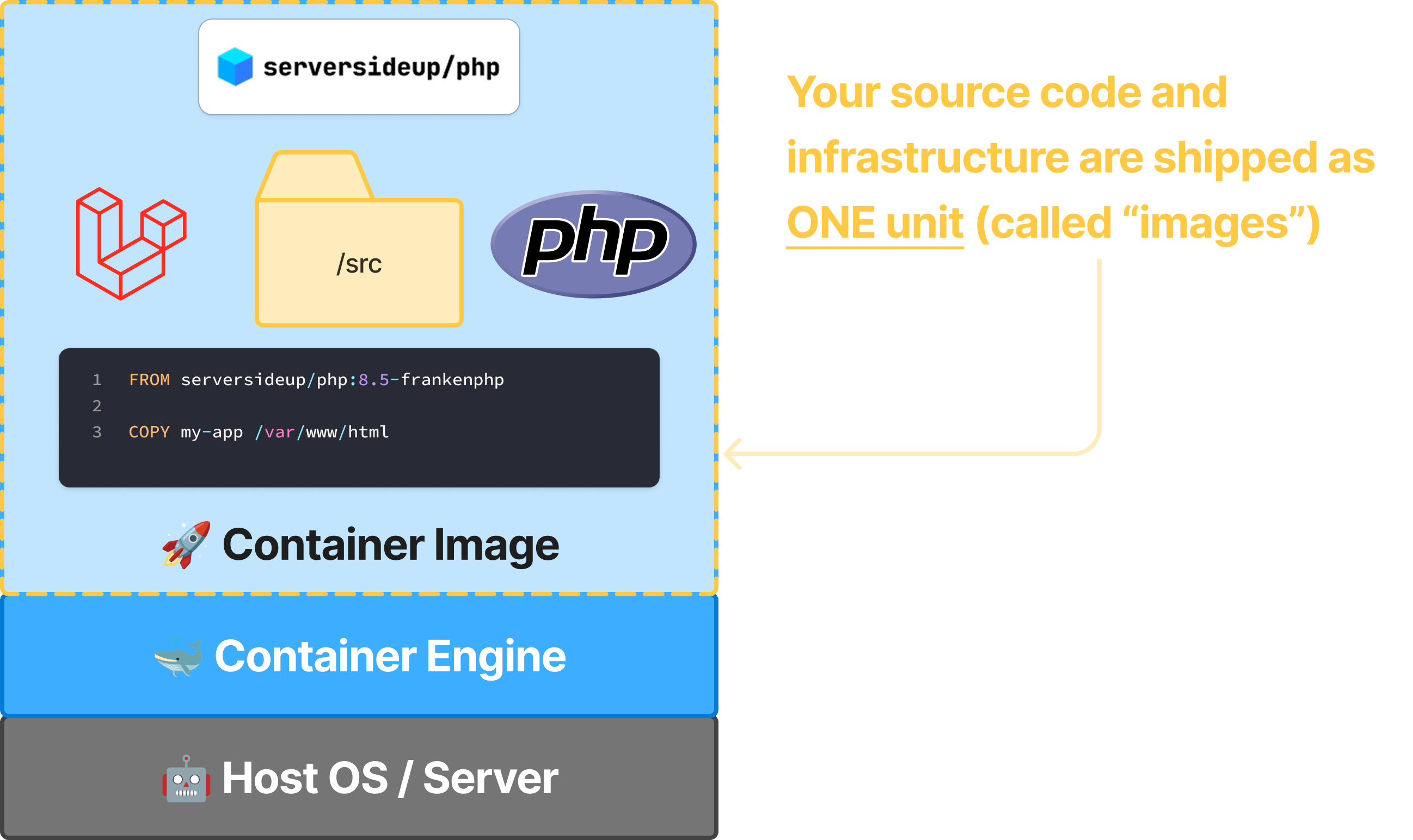
Docker is one tool for running containers
Docker builds and runs containers. The images follow the Open Container Initiative (OCI) standard, so the same image runs on Kubernetes, Docker Swarm, HashiCorp Nomad, and other OCI platforms. These docs use Docker Compose.
Images are built in layers
An image is a stack of layers: the operating system, PHP, the web server, and our configuration. Your own Dockerfile adds layers on top, such as your code. When you pull an image, Docker only downloads the layers you don't already have.
How a compose.yml uses these terms
This is the file from the installation guide:
services:
  php:
    image: serversideup/php:8.5-fpm-nginx
    ports:
      - 80:8080
    volumes:
      - ./:/var/www/html
    environment:
      PHP_MEMORY_LIMIT: "512M"
| Line | What it does | In this file |
|---|---|---|
php | Names the service. You pick the name, and commands use it. | docker compose exec php php -v runs php -v in this service. |
image | The image the container runs. | PHP 8.5 with NGINX. See Choosing an image. |
ports | Forwards a port on your machine to the container, as host:container. | http://localhost (port 80) reaches NGINX on 8080. |
volumes | Mounts a folder from your machine into the container. | Your project appears at /var/www/html, and edits show up on the next request without a rebuild. |
environment | Sets environment variables, which our images turn into PHP and web server settings at startup. | PHP_MEMORY_LIMIT: "512M" sets memory_limit. |
Our images run as an unprivileged user, so web servers listen on 8080 and 8443 inside the container. If another program already uses port 80 on your machine, Docker fails with "port is already allocated". Use another host port, such as 8000:8080, and visit http://localhost:8000.
The environment variable specification lists every setting you can change this way.
Common Docker Compose commands
Run these from the directory that holds compose.yml.
| Command | What it does |
|---|---|
docker compose up | Creates and starts the containers, with logs in your terminal. Press + C to stop them. |
docker compose up -d | Same, in the background. |
docker compose ps | Lists the project's containers and their health. |
docker compose logs -f | Follows the logs. Press + C to stop following. |
docker compose exec php php -v | Runs a command in the running php container. |
docker compose stop | Stops the containers without removing them. docker compose start resumes them. |
docker compose down | Stops and removes the containers and the project's network. Images and named volumes stay. |
docker compose up --build | Rebuilds images from your Dockerfile before starting. |
docker compose down --rmi all | Also removes the images, so the next up pulls them again. |
docker compose down. Keep uploads, databases, and other data you need in a volume.